In the prototype
← → also step through
Scenario · testo Smart app · CO/CO₂ Ambient (CMDDA1)
Checking CO and CO₂ in a house with five rooms
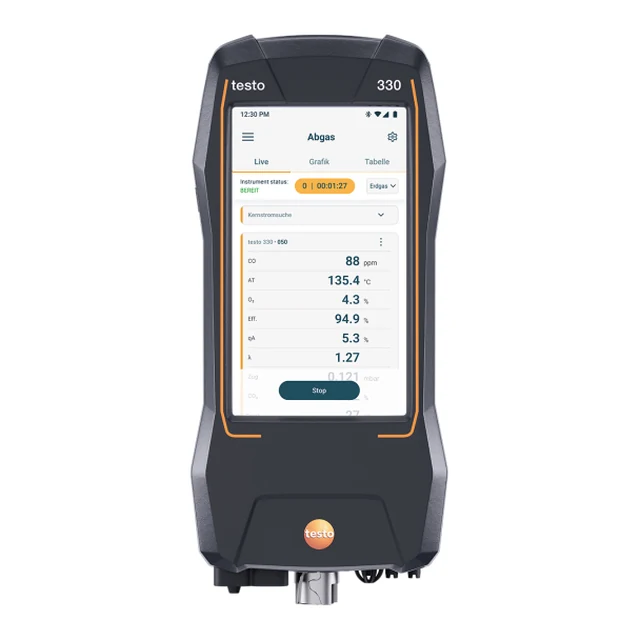
A gas engineer has to measure the CO and CO₂ concentration in every room of a house. He brings four testo probes and his smartphone with the testo Smart app. This walkthrough follows him through the app's CO/CO₂ Ambient (CMDDA1) measuring program, screen by screen, and shows where his probes are in the house at every moment.
The equipment: four probes, used as two pairs
CO and CO₂ are always measured together, so each room gets one CO probe and one CO₂ probe. With two pairs, the engineer can measure two rooms at the same time.
ASet A
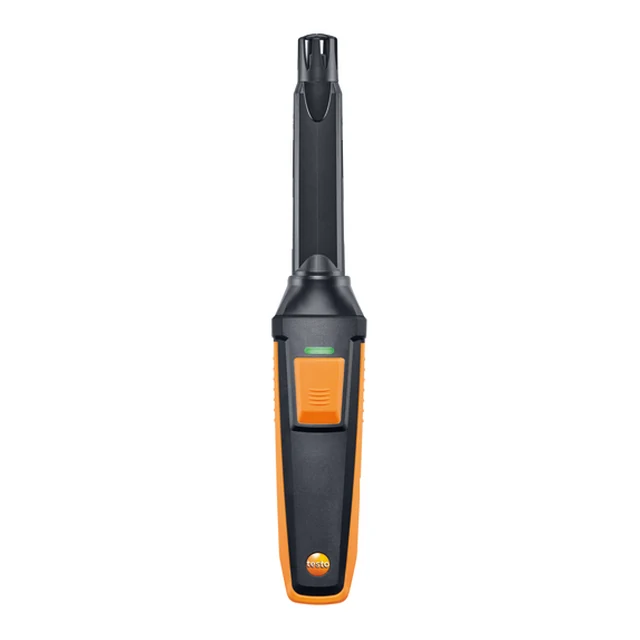
BSet B
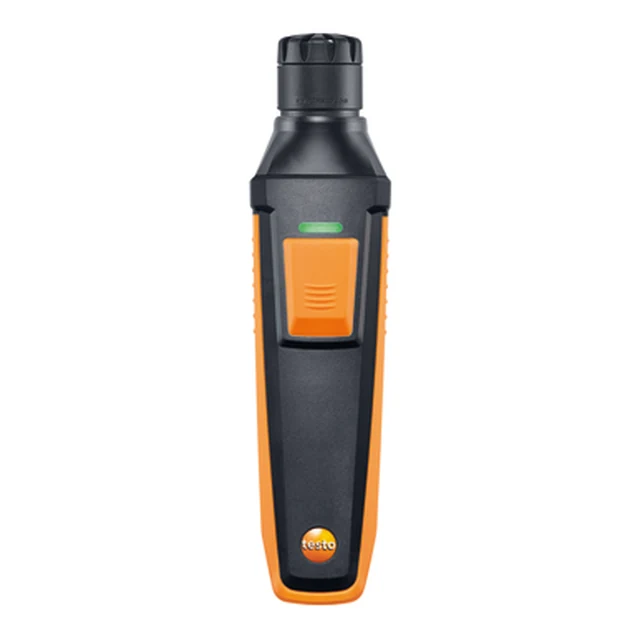
All four probes are connected to the testo Smart app over Bluetooth. The app refers to each probe by the last three digits of its serial number.
The house: five rooms
Living room, Bedroom, Kitchen, Bathroom and Hallway. Every room is measured for 15 minutes, and the app reports the highest CO and CO₂ value measured there.
The plan: three rounds of 15 minutes
Two probe pairs and five rooms mean three measuring rounds. Between rounds, the engineer carries the probes to the next rooms.
- Configure the programSelect CO/CO₂ Ambient (CMDDA1), create the five rooms as measurement sites, keep 15 minutes of measuring time and the combined CO + CO₂ measurement, and set alarm limits: CO warning 10 ppm, alarm 30 ppm; CO₂ warning 2,500 ppm, alarm 5,000 ppm. Probes are not chosen here.
- Round 1: Living room and BedroomAssign set A to the Living room and set B to the Bedroom in the live view, then measure both rooms in parallel.
- Round 2: Kitchen and BathroomSet B moves to the Kitchen, set A to the Bathroom. The Bathroom goes above the warning values.
- Round 3: HallwaySet A moves to the Hallway; set B is not needed. A shortcut could add a sixth site.
- Save and reportSave the measurement and create the PDF report.
How to use this walkthrough
- On the left is the clickable app prototype. Click through it, or use Back and Next above it.
- On the right, the house plan shows where each probe set is, and the explanation describes the current screen.
- “In the prototype” tells you what to tap next. Orange steps happen in the house, away from the app.